Try a photo review example
A familiar look.
A place to begin.
See a look, explore its pieces, and decide what belongs in your wardrobe.
An interactive example with three sample pieces. Nothing is uploaded or saved to an account.
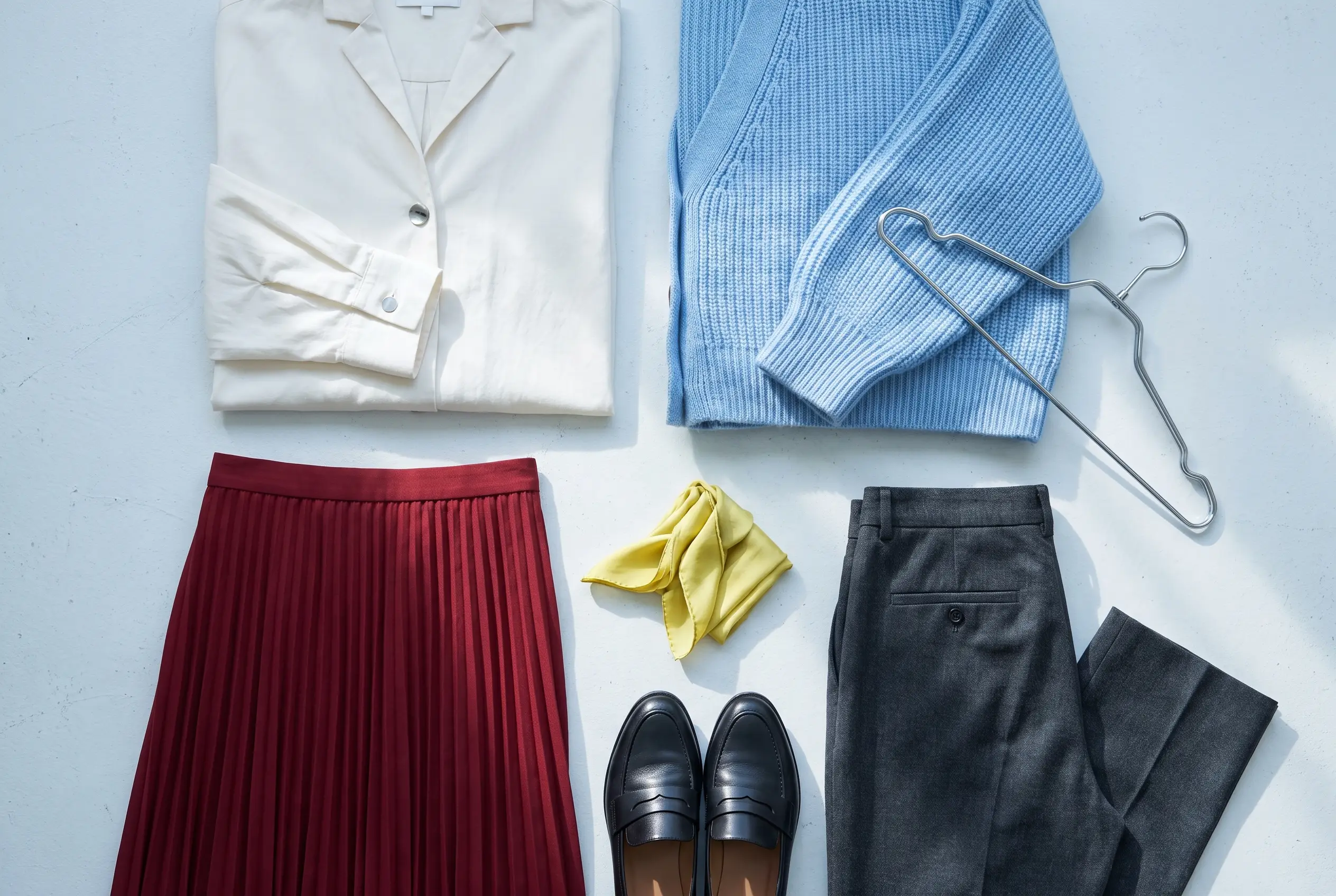
Explore the sample pieces. The illustrations differ in detail from the photograph.
01 / Review the example pieces
A little attention
to the details.
Keep a piece, leave one out, or correct its details before adding it to this temporary example wardrobe.
Edits take effect when you add the selected pieces. Refreshing the page resets the example.
Three prewritten pieces are ready for review.
02 / Your temporary example wardrobe
Keep what speaks to you.
Your example wardrobe starts here.
Review the pieces above, then add the ones you want.
When you’re ready to play with combinations:
Enter the eight-piece 3D studioFrom the idea to your own clothes
Start with photos
you choose.
In the app, you review several photos together, check the suggested details and confirm the pieces you want to keep. This page shows that review step with an example.
Explore the product workflow